How to Use Ground Control Points for Better Drone Mapping Results
In the world of drone mapping, precision is key. Whether you’re creating detailed topographic surveys, 3D models, or orthophotos, the accuracy of your data can make all the difference. One of the most effective ways to ensure high-quality, accurate results is by using ground control points for drone mapping. In this article, we’ll explore what ground control points (GCPs) are, why they are essential, and how you can use them to enhance your drone mapping projects.
What Are Ground Control Points (GCPs)?
Ground Control Points are specific, visible locations on the ground with known, highly accurate geographic coordinates. These points are strategically placed throughout your survey area to serve as reference markers during the mapping process. When integrated with drone-collected imagery or LiDAR data, GCPs help to “georeference” the data, ensuring that it aligns accurately with real-world coordinates.
Without GCPs, the data collected by drones can have slight misalignments, which may cause errors in the final maps, 3D models, or surveys. GCPs act as reference points to adjust and correct these discrepancies, resulting in far more precise outputs.
Why Are Ground Control Points Important?
The importance of GCPs in drone mapping cannot be overstated. Here are a few reasons why they are critical for accurate mapping:
1. Enhanced Accuracy
Ground control points are used to calibrate the data collected by the drone, reducing errors caused by factors like GPS drift, camera misalignment, or varying altitudes. By referencing known coordinates, you can significantly increase the precision of the mapping results, particularly when producing orthomosaics or 3D models.
2. Georeferencing Data
Using GCPs allows you to georeference the drone’s images or LiDAR scans. This means that your mapping data will be aligned to the Earth’s coordinate system, making it useful for industries like construction, mining, and agriculture, where spatial accuracy is paramount.
3. Reliable Post-Processing
While drones capture large amounts of data, post-processing plays a vital role in turning this data into actionable results. GCPs ensure that your post-processed maps are accurate by serving as reference points during this stage.
4. Compliance with Industry Standards
In many industries, especially when working with government contracts or engineering firms, precise measurements and georeferenced data are mandatory. Using GCPs ensures that your drone mapping projects meet industry standards for accuracy and compliance.
How to Effectively Use Ground Control Points for Better Drone Mapping Results
To make the most out of ground control points for drone mapping, here are the key steps and best practices to follow:
1. Plan Your GCP Placement
Proper GCP placement is crucial for achieving high-accuracy results. Here’s how to plan for it:
- Spread GCPs Evenly: Distribute the ground control points evenly across the survey area, ensuring that they cover a broad range of the flight path. This will help correct any distortion across the entire area of the map or model.
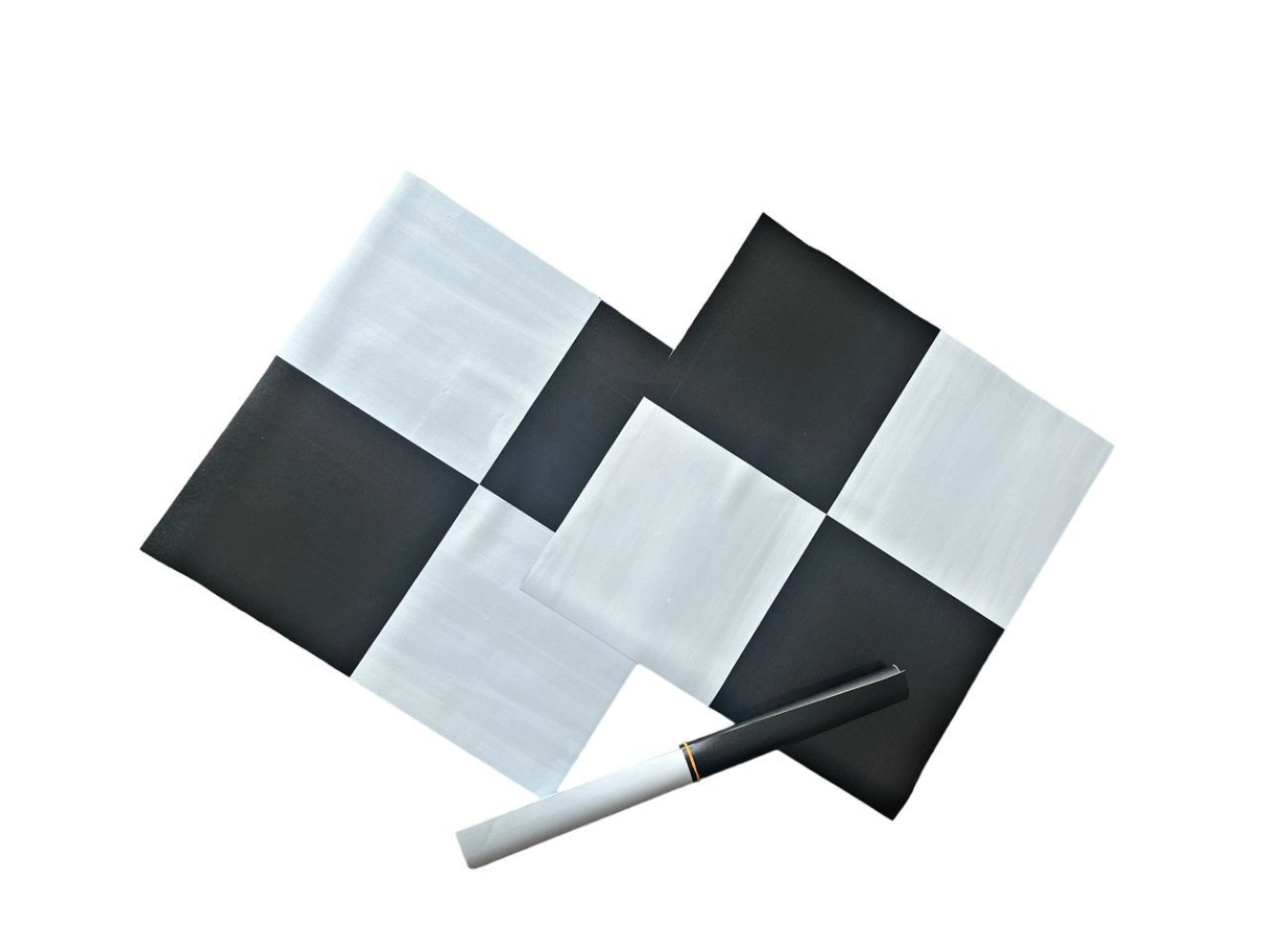
- Use High-Visibility Markers: Choose markers that are clearly visible to your drone’s camera or LiDAR sensor. High-contrast colors, such as bright orange or reflective tape, work best to ensure the points are easy to identify from the air.
- Avoid Obstructions: Make sure that the GCPs are placed in clear, unobstructed areas. Trees, buildings, or other structures can block the line of sight to the markers, making it difficult for your drone to accurately capture them.
2. Survey the GCPs with Precision
To ensure the highest level of accuracy, the coordinates of each GCP should be measured with precision. This is typically done using RTK (Real-Time Kinematic) or GNSS (Global Navigation Satellite System) equipment. These devices provide highly accurate measurements that are essential for successful georeferencing.
- RTK Surveying: For the best results, use an RTK GPS system to survey the ground control points. RTK equipment provides real-time corrections to GPS signals, giving you centimeter-level accuracy.
- Multiple GCPs: The more ground control points you use, the more accurate your final mapping data will be. Ideally, place at least four to five GCPs across your survey area.
3. Integrate GCPs During Post-Processing
Once your drone has captured the images or data and you’ve gathered your GCP coordinates, the next step is to integrate the GCPs into the post-processing stage.
- Georeferencing: Use specialized software to input your GCP coordinates, which will then adjust the captured data to align with these reference points. This step ensures that your maps and models are spatially accurate.
- Accuracy Check: After the integration, always double-check the accuracy of the processed data by comparing the georeferenced outputs to the known coordinates of the GCPs. Any discrepancies should be adjusted to achieve the best possible results.
4. Validate Results with Additional Ground Control Points
For highly critical applications such as surveying large construction projects, adding more GCPs can further enhance the reliability of your results. Conducting additional ground surveys and comparing multiple sets of GCPs will give you the confidence that your data is aligned correctly across the entire survey area.
5. Use GCPs for Ongoing Monitoring
Ground control points aren’t just useful during initial mapping. They can also serve as reference points for ongoing monitoring, especially in fields like construction or environmental studies. Using consistent GCPs over time allows you to track changes in the landscape, such as erosion or shifts in structural integrity.
Conclusion
Incorporating ground control points for drone mapping is essential for achieving precise, reliable results in any surveying or mapping project. By strategically placing GCPs, surveying them with accuracy, and integrating them during post-processing, you can ensure that your drone data aligns with real-world coordinates, providing enhanced precision and better decision-making.
Whether you’re working on a construction project, land survey, or environmental monitoring, using ground control points will significantly improve the quality and usefulness of your drone mapping outputs. With these best practices in mind, you’ll be able to take full advantage of the accuracy and efficiency that drone technology offers.