

Sell Old Laptop Online: Tips for Maximum Profit
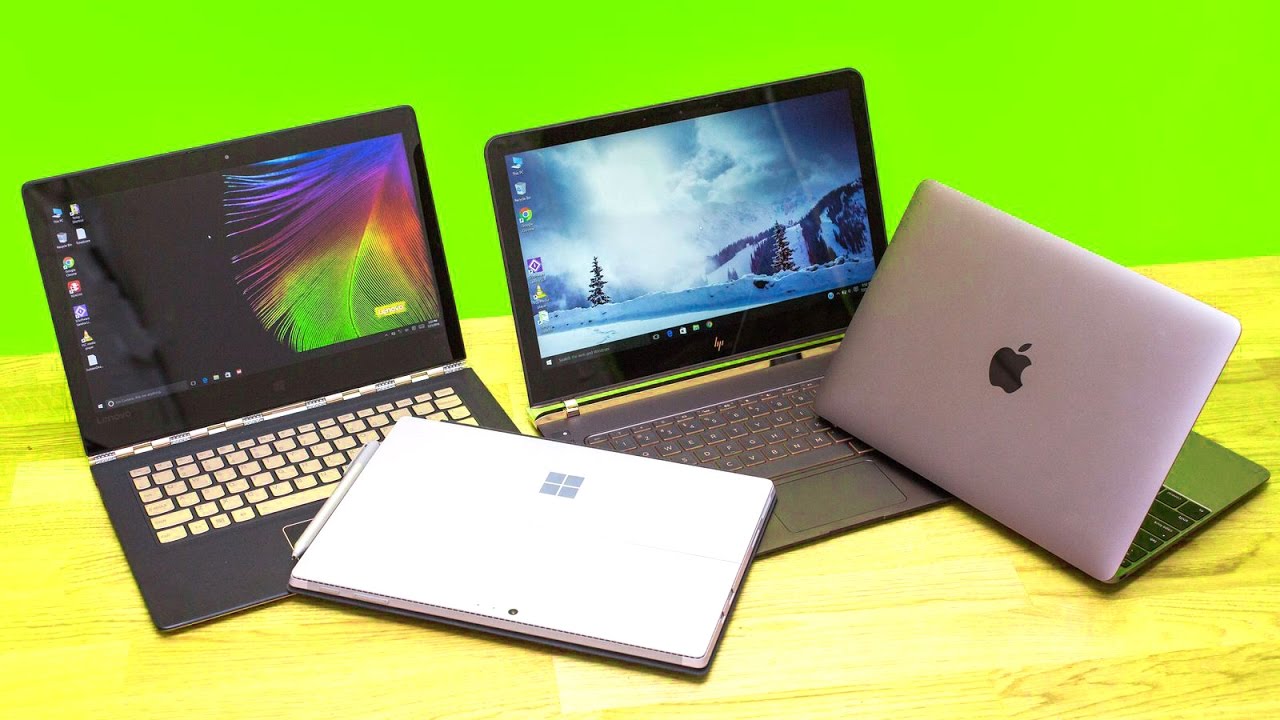
Selling a used laptop is a good way to make some more money. It also helps you cut down on electronic waste. Instead of letting your device sit and gather dust, you can Sell Old Laptop Online and get quick cash for it. Now, with the rise of digital marketplaces and electronics buyback services, it has never been easier or faster to sell old gadgets.
Many people who try to sell their laptop do not get the best price. This happens because they do not get the laptop ready for sale, set the wrong price, or pick the wrong website to sell on. If you want to make the most money, you need to have a good plan.
In this guide, you will find out how to sell an old laptop online for the most profit. It will tell you what to do before you sell. You will read about pricing tips, ways to keep safe while selling, and the best sites you can use.
Why You Should Sell Old Laptop Online Instead of Keeping It
The value of computers goes down fast. Each year, there are new laptops with better chips and more features. This makes older ones worth less.
Benefits of Selling Your Old Laptop
Selling your laptop offers several advantages:
- Get cash right away from unused electronics
- Make more space in your home
- Cut down on electronic waste
- Let others buy cheap devices
If you want to get a new laptop, you can sell your old one. This can help you pay for some of the upgrade.
Prepare Your Device Before You Sell Old Laptop Online
Getting ready is one of the most important steps if you want a higher resale value.
A laptop that is in good shape will get more buyers. It also helps people trust you more.
Backup Your Important Data
Before you sell the laptop, make sure you save all your own files.
Important files include:
- Photos
- Videos
- Documents
- Software licenses
You can store them using:
- Hard drives you connect outside the computer
- Cloud storage services like Google Drive
- USB flash drives
Backing up your data helps to make sure you do not lose anything that is important.
Factory Reset Your Laptop for Security
Your laptop may have important things like your passwords, your accounts, and what sites you have visited.
A factory reset will take out all your data. It will make your device like new.
How to Reset Your Laptop
- Open Settings.
- Click on System or Recovery.
- Pick Reset this PC.
- Do what the screen tells you next.
After you reset the laptop, it will be good to go for its new owner.
Clean Your Laptop to Increase Its Selling Price
When you sell electronics online, first impressions are important.
A clean laptop appears newer and more valuable.
Simple Cleaning Steps
- Wipe the screen with a microfiber cloth
- Remove dust from the keyboard
- Clean vents and ports carefully
- Polish the outer casing
A device that looks good can get more interest from buyers.
Know Your Laptop Specifications
Get your laptop’s technical details before you list it online.
Buyers often want to know a few things:
- Type of processor (Intel or AMD)
- Amount of RAM
- Size of storage
- Kind of storage (SSD or HDD)
- Size of screen
- Condition of the power source
If you give detailed specifications, your listing will seem more trustworthy to people.
How to Price Your Laptop for Maximum Profit
The price is important when you want to sell old laptop online in a good way.
Research Similar Listings
Search for similar laptop models on marketplaces.
Consider factors such as:
- Brand and model
- Age of the laptop
- Hardware upgrades
- Physical condition
- Accessories included
Most used laptops sell for about 40–70% of what they cost in stores at first.
Best Platforms to Sell Old Laptop Online
Picking the right platform can help you get a good price.
Popular Selling Platforms
- eBay
- Facebook Marketplace
- Craigslist
- Amazon Trade-In
- Electronics buyback services like Cashify
These platforms help people who want to sell connect with many buyers. A lot of these buyers want laptops that are not expensive.
Take High-Quality Photos for Your Listing
Photos are one of the most important things that make people buy something online.
Best Photo Tips
Take clear pictures of:
- Laptop, front view
- Keyboard and touchpad
- Screen is on
- Sides of the laptop and the ports
- Charger and other accessories
Use natural lighting and avoid blurry images.
Good photos help people trust you more. They can also help make more sales.
Write a Detailed and Honest Description
A good description helps people know what they are buying. It tells them what to expect. This way, they can feel sure about what they get. A clear description can also help them make a quick choice.
What to Include in Your Listing
- Laptop brand and model
- Processor, RAM, and storage
- Physical condition
- How well the battery works
- Accessories included
- Reason for selling
Always be transparent about scratches or defects.
Honesty builds credibility and prevents disputes.
Include Accessories to Boost Laptop Value
Adding accessories can make your listing look better.
Examples include:
- The main charger
- A laptop bag
- A mouse or keyboard
- The main packaging
Buyers often like listings that come with good extras that they can use.
Stay Safe While Selling Online
Security is very important when you sell electronics online. You need to make sure that people feel safe when they buy and sell things on your site. This helps keep their information safe and builds trust. When you take care of safety, more people will want to come back and work with you again.
Avoid Common Online Scams
Follow these safety guidelines:
- Use trusted payment platforms
- Avoid offers that seem strange or not real
- Do not share your banking information
- Keep all talks or messages inside the marketplace
Meeting Buyers Safely
If selling locally:
- Meet in public places
- Bring a friend if you can
- Avoid late-night meetings
These precautions help ensure a safe transaction.
Shipping Tips for Selling Laptops
If your buyer lives far away, you have to ship it.
How to Ship a Laptop Safely
Use:
- Bubble wrap for safety
- Foam padding inside the box
- A strong cardboard box
Always choose tracked and insured shipping.
Common Mistakes to Avoid When You Sell Old Laptop Online
A lot of sellers lose money because they make small mistakes.
Mistakes to Avoid
- Setting the price of the laptop too high
- Posting photos that are not clear or are of bad quality
- Not resetting the device before you sell it
- Leaving out some details about the laptop
- Not adding the charger with the laptop
Not making these mistakes can help you sell fast.
FAQs About Sell Old Laptop Online
1. Where can I Sell Old Laptop Online for the best price?
Popular platforms you can use are eBay, Facebook Marketplace, Craigslist, and electronics buyback websites.
2. Is it safe to Sell Old Laptop Online?
Yes, you can, if you use trusted sites. Make sure to erase your own data and follow safe ways to pay.
3. How much money can I get when I Sell Old Laptop Online?
Most used laptops are sold for about 30–70% of their first price. The price will be different based on how they look and what features they have.
4. Should I reset my laptop before selling it?
Yes. You should always do a factory reset to clear your own files and keep your privacy safe.
5. What information should I include in my listing?
Include the brand, model, processor, RAM, storage, how good the power source is, and any extras.
6. How long does it take to sell a laptop online?
If you set the right price, most laptops will be sold in a few days to two weeks.
7. Can I Sell Old Laptop Online if it has minor damage?
Yes. Just say what the damage is and change the price to match it.
8. What payment method is safest when selling laptops online?
PayPal, safe marketplace payments, and cash are good ways for local deals. These ways are thought to be safe.
9. Do accessories increase the resale value of a laptop?
Yes. When you add chargers, bags, or the box it came in, you can get a better price.
10. Is selling online better than trading in a laptop?
Selling items online often gives you higher profits. A trade-in is much faster, but you will get less money.
Conclusion
Selling used electronics is a good way to get value from devices you do not use anymore. If you get your laptop ready, set the right price, and choose trusted places to sell, you can Sell Old Laptop Online and make more money.
Keep in mind to clean the device and reset it to the factory settings. You should take clear photos and write an honest description. Doing these things will help you get buyers and make the sale go well.
With the tips in this guide, you’re all set to Sell Old Laptop Online in the best way and get the best price you can.