


Is Broken Laptop Screen Replacement Worth It or Should You Upgrade?
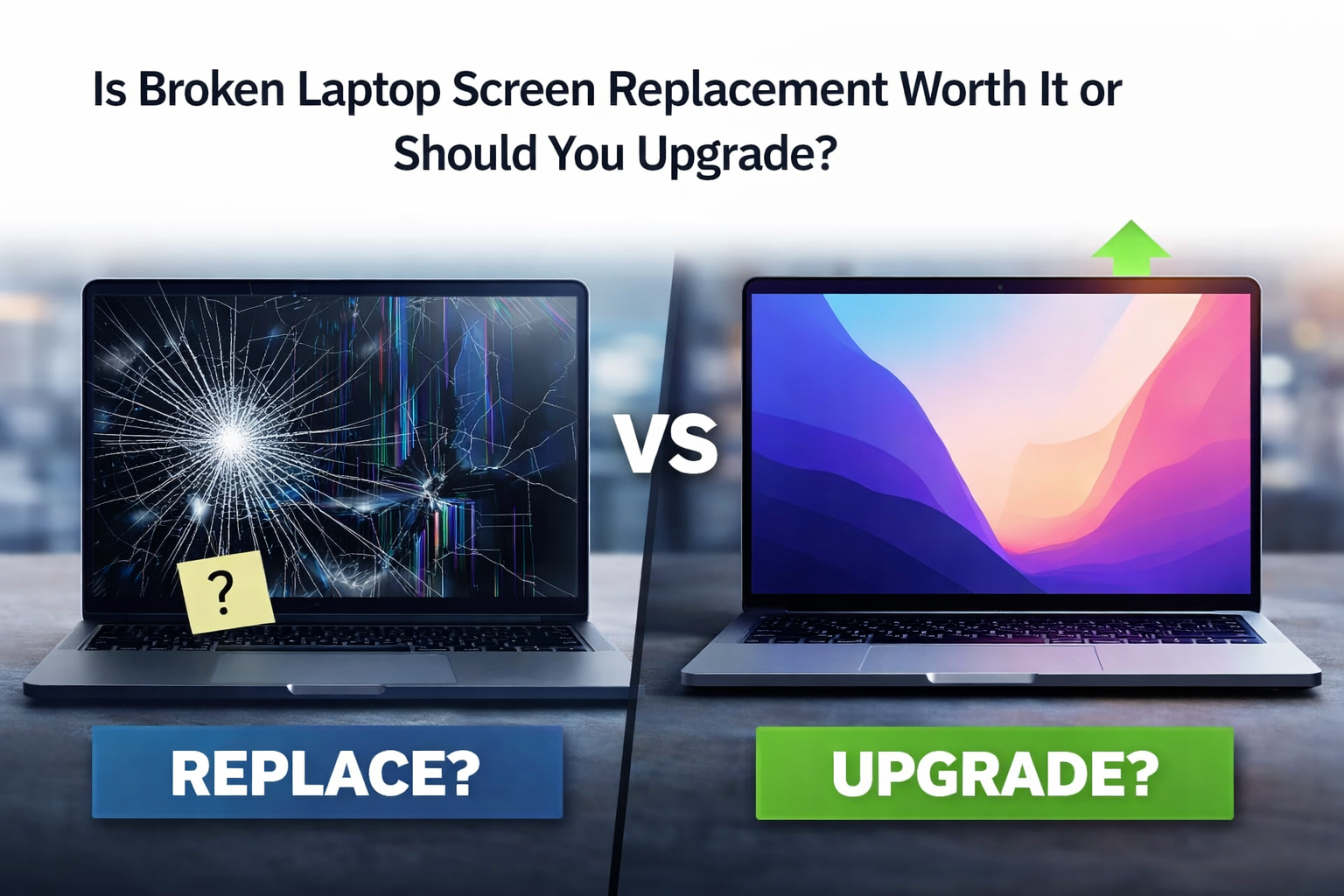
A cracked or flickering laptop screen can instantly disrupt your work, studies, or daily routine. Whether it’s a visible crack across the display, black spots spreading across the panel, or lines running vertically down the screen, the damage often feels final.
But is it really the end of your laptop? Or is broken laptop screen replacement Adelaide a smarter option than buying a brand-new device?
The answer depends on several practical factors, such as cost, the laptop’s age, performance needs, and long-term value. Let’s break it down clearly so you can make the right decision.
First, Assess the Type of Screen Damage
Not all screen damage is equal.
Sometimes the issue is purely cosmetic, a cracked outer glass layer with the display still functioning. In other cases, the internal LCD or LED panel is damaged, causing distorted colours, flickering, or complete blackout.
If the laptop still powers on and functions normally when connected to an external monitor, the issue is almost certainly limited to the display. In these situations, replacement is usually straightforward and cost-effective.
However, if the damage extends to the hinge area, frame, or internal cables, a technician should inspect it thoroughly before deciding.

Compare Repair Cost vs Replacement Cost
One of the most important considerations is financial.
Screen replacement typically costs significantly less than purchasing a new laptop — especially for mid-range or high-performance models. If your laptop is only two to four years old and still performs well, replacing the screen is usually the smarter investment.
On the other hand, if your device is over seven or eight years old and already slow or outdated, the cost of repair may not justify extending its lifespan.
A useful rule of thumb is this: if the repair cost is less than half the price of a comparable new device, and the laptop meets your current needs, replacement is often worth it.
Consider the Overall Performance of Your Laptop
Ask yourself a simple question: before the screen broke, were you happy with how the laptop performed?
If it handled your work, browsing, software, and storage needs smoothly, a screen replacement restores full functionality without the hassle of setting up a new machine.
But if you were already dealing with slow startup times, limited storage, outdated software compatibility, or frequent overheating, upgrading might provide better long-term value.
A broken screen does not automatically mean your laptop is obsolete. The internal hardware condition matters more.
Data and Setup Convenience
Upgrading to a new laptop involves more than the purchase price. You must transfer files, reinstall programs, log back into accounts, and reconfigure settings.
Replacing a broken screen allows you to continue using your existing system without disruption. Your files, applications, and preferences remain exactly as they were.
For many professionals and students, avoiding downtime is a major advantage of choosing broken laptop screen replacement Adelaide services over upgrading.
Environmental Considerations
Replacing a damaged screen rather than discarding the entire laptop is also environmentally responsible.
Electronic waste continues to grow globally, and extending the lifespan of functional devices reduces unnecessary disposal.
If the only issue is display damage, replacing the screen keeps valuable hardware in use and reduces environmental impact.
When Screen Replacement Is Clearly Worth It
Screen replacement makes strong sense when the laptop is relatively new, performs efficiently, and the damage is limited to the display.
High-end models especially benefit from repair, as replacing a premium laptop costs significantly more than installing a new screen.
Business users, students, and remote workers often find that screen repair restores full usability at a fraction of the upgrade cost.
When Upgrading Might Be the Better Choice
Upgrading becomes more reasonable if your laptop is already struggling with outdated processors, limited RAM, unsupported software updates, or battery degradation.
If multiple components are failing, for example, both the battery and screen require replacement, investing in a new device may offer better long-term reliability.
Technology evolves quickly. If your workflow requires faster processing power or newer features, upgrading could enhance productivity beyond just fixing the screen.
The Importance of Professional Assessment
Before making a final decision, a proper diagnostic check is essential.
A technician can confirm whether the issue is isolated to the screen, evaluate internal hardware health, and provide a transparent cost estimate. Sometimes what appears to be severe damage is limited to a replaceable panel.
Professional guidance helps avoid unnecessary upgrades and ensures the most cost-effective solution.
Final Thoughts
So, is replacing a broken laptop screen worth it, or should you upgrade?
If your laptop still performs well and the damage is limited to the display, screen replacement is usually the practical and economical choice. It restores full functionality, protects your data setup, and extends device lifespan.
However, if your device is outdated, underperforming, or facing multiple hardware issues, upgrading may deliver better long-term value.
If you’re considering broken laptop screen replacement Adelaide, start with a professional evaluation to understand your options clearly.
At Computer Repair Services, we provide honest assessments and reliable repair solutions designed to help you make the smartest decision for your device and budget.